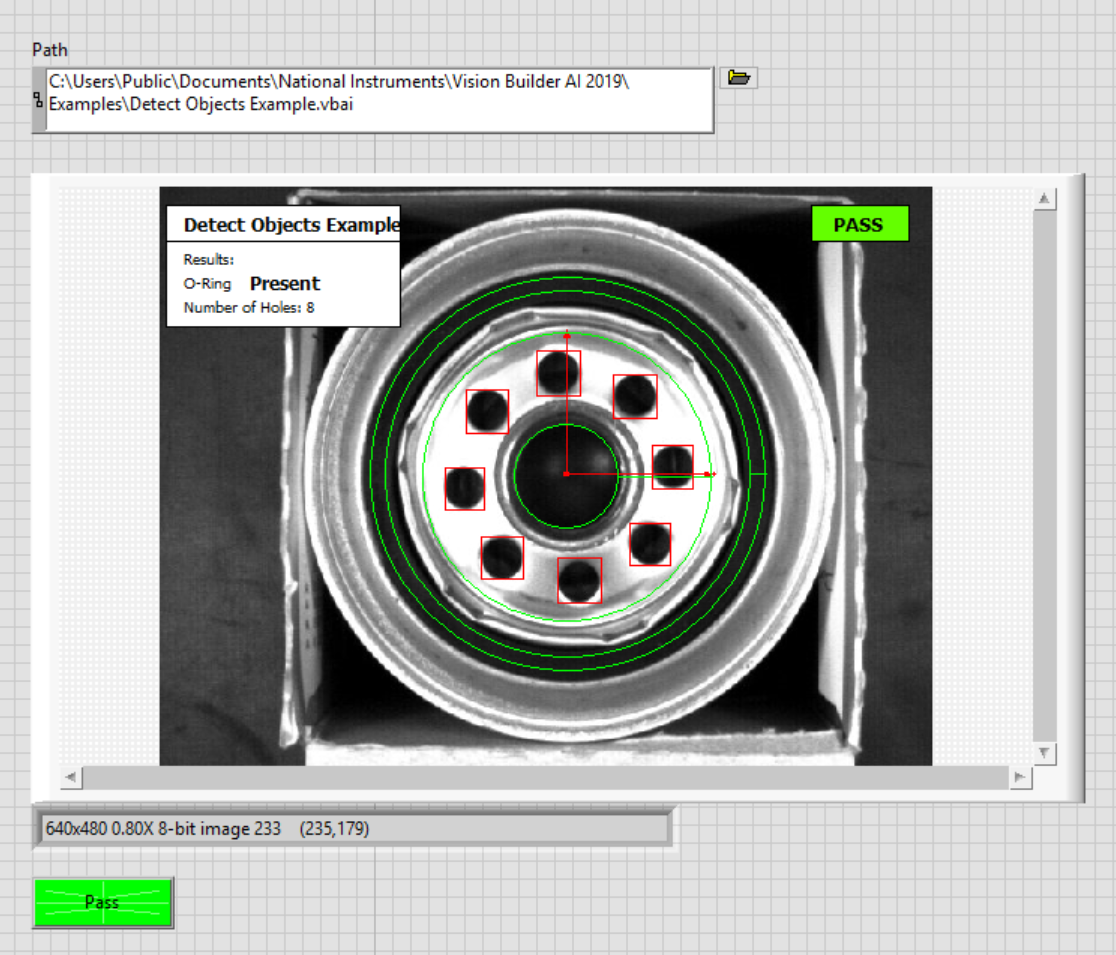
In order to run the VBAI inspection in LabVIEW, make sure you have VBAI LabVIEW Interface API. The API will be automatically install when you have installed the VBAI software, to check you can right click on LabVIEW block diagram > Vision and Motion > select
Vision Builder AI. You can follow the program in the picture below to run the VBAI inspection in LabVIEW :

- Select the path of your VBAI inspection
- Make sure select the correct VBAI version that you are using, for example VBAI 2019 (32-bit)
- Run the LabVIEW program, after finish the result and the image of the inspection will be display as shown in the picture below.