问题详述
我已经使用LabVIEW声音和振动工具包创建了一个简单的VI,运行VI时可以正常工作。

但是,当我将其构建为EXE时,我不断收到以下错误。
The build was unsuccessful.
Possible reason
A VI broke during the build process from being saved without a block diagram. Either open the build specification to include the block diagram of that VI or enable debugging to include the block diagrams of all VIs in the build. Report this error to National Instruments technical support.
C:\Program Files (x86)\National Instruments\LabVIEW 2020\vi.lib\addons\_NISVFA\_Generation\Signal Generation\SV Signal\Calculate Number of Remaining Samples.vi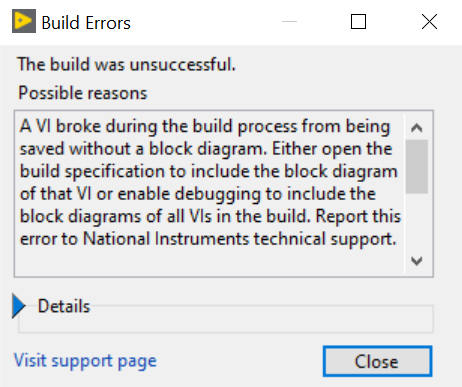
如果在Advanced类别中选择
Enable debugging ,则可以成功生成EXE,但是EXE的运行按钮处于损坏的状态。
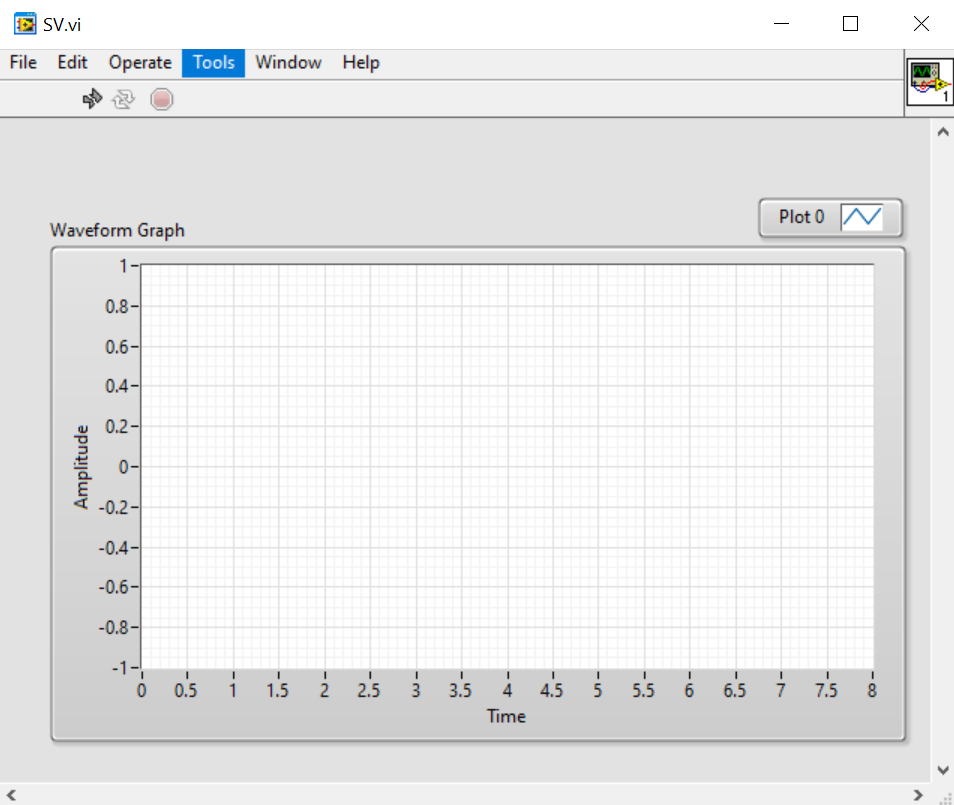
调试EXE时,我发现缺少我使用的LabVIEW声音和振动工具包VI。
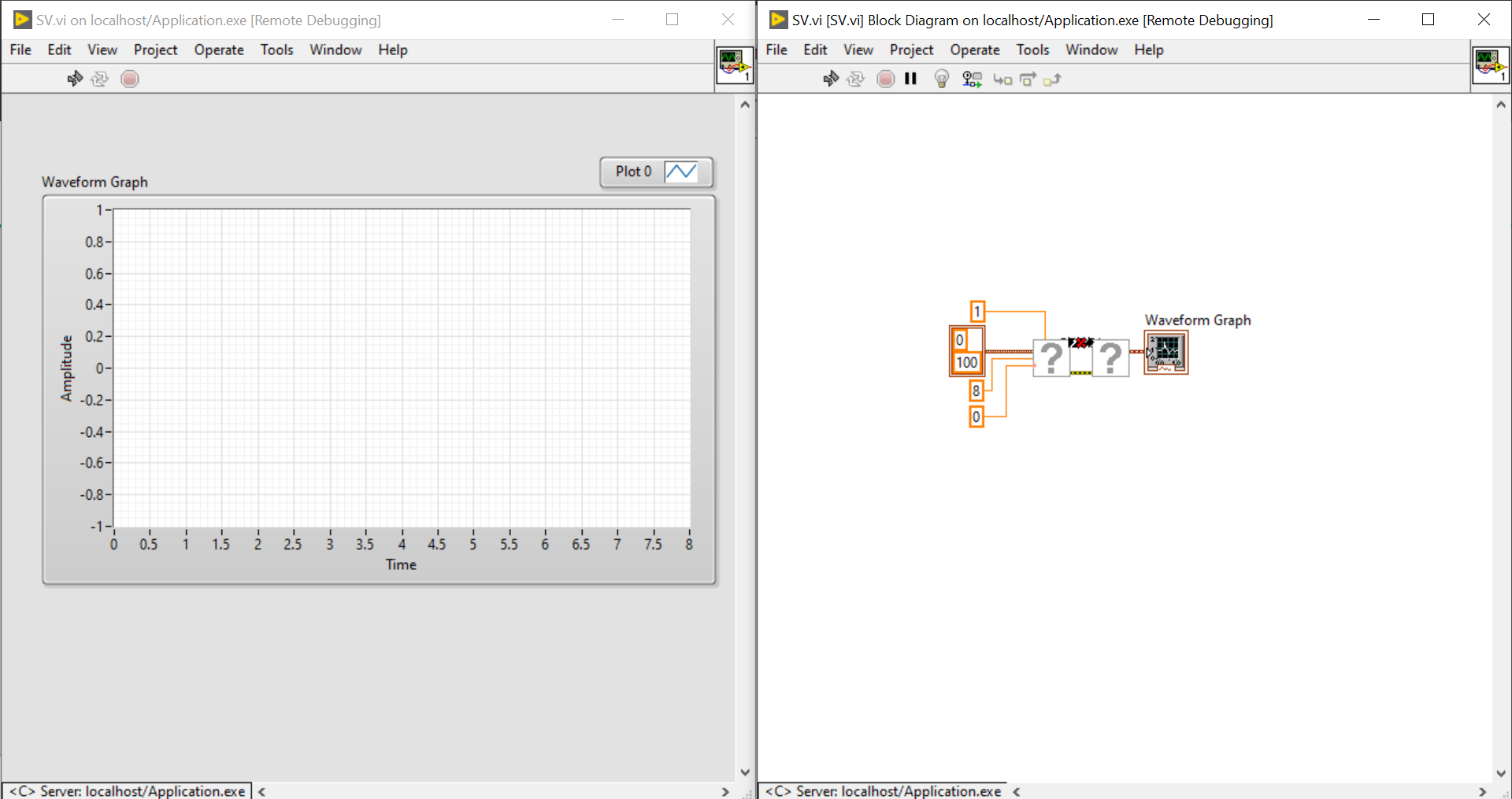
请问我该如何解决这个问题?