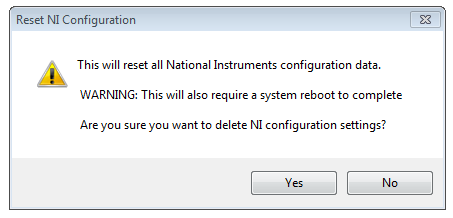
Version 5.0 and higher of NI MAX provide a stand-alone executable which will reset the NI MAX Configuration Data on the system. The executable can be found in the Shared folder of your National Instruments installation path. The most common paths for this executable are:
C:\Program Files\National Instruments\Shared\Reset NI Config\ResetNIConfig.exeor:
C:\Program Files(x86)\National Instruments\Shared\Reset NI Config\ResetNIConfig.exeNavigate to this directory and launch the executable. If you are sure that you would like to reset the Configuration Data, select
Yes and restart your machine.