Solution
PPLs compiled in LabVIEW 2016 or earlier can not be opened using other versions of LabVIEW. For example, if you try to use LabVIEW 2016 to open a PPL that was compiled in LabVIEW 2011, you will get following error message:
LabVIEW: (Hex 0x623) You cannot open a packed library saved in a version earlier than the current version of LabVIEW.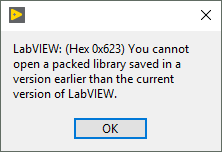
Since
LabVIEW 2017, you can compile a packed project library to be also used with newer versions of LabVIEW. In the
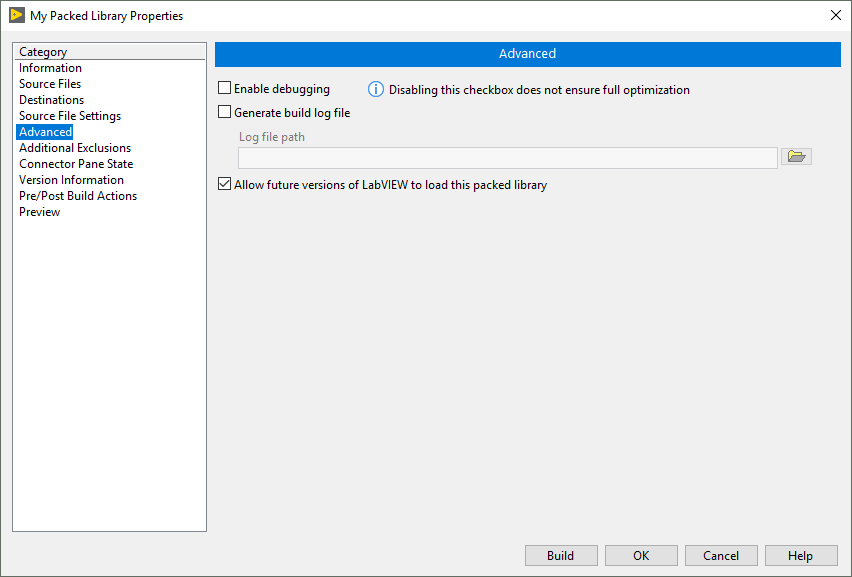
build specification properties choose
Advanced in the sidebar and enable the option
Allow future versions of LabVIEW to load this packed library. This option is enabled by default.