How to Request access to a connected (online) license
- In NI Volume License Manager on the server the software administrator should click Groups. If it is not already created please see the steps on how to do that in Adding and Editing Groups then the client computers or users can request to join. However, it is not always a must to have groups (e.g. small seat numbers, limited products, not concurrent computer-based licenses).
- On the client's computer, open NI License Manager and select Network Licenses >> Manage.
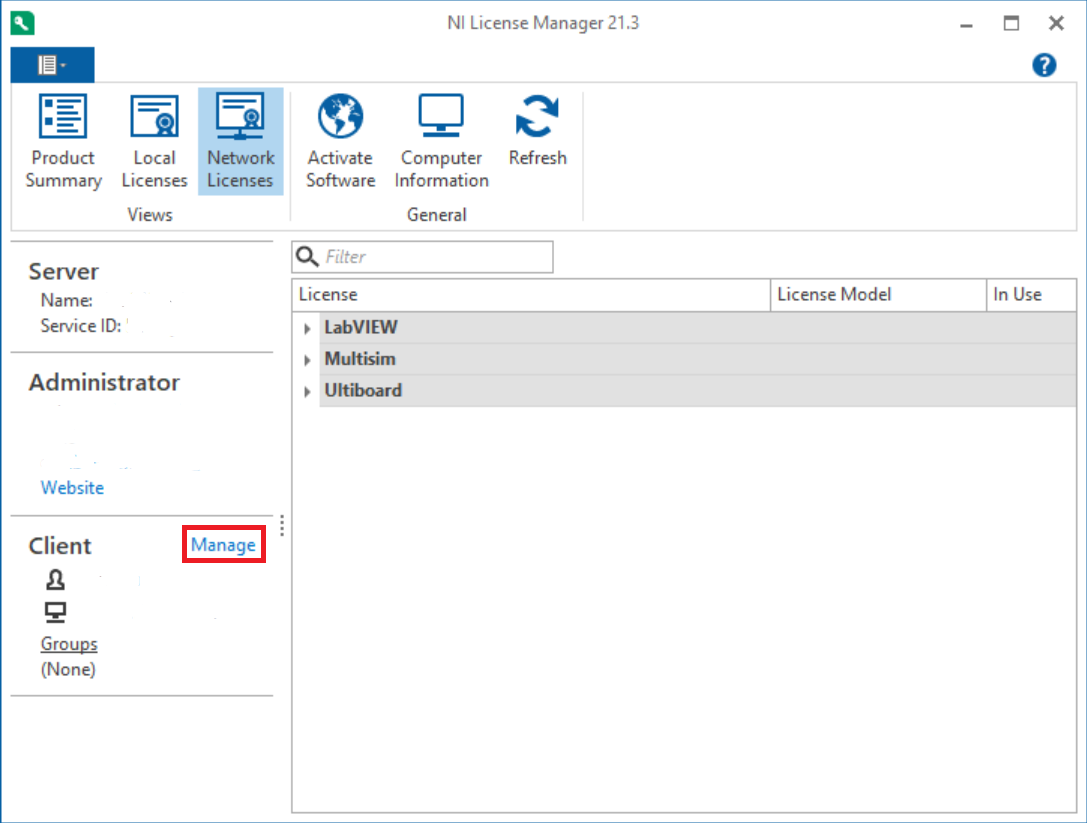
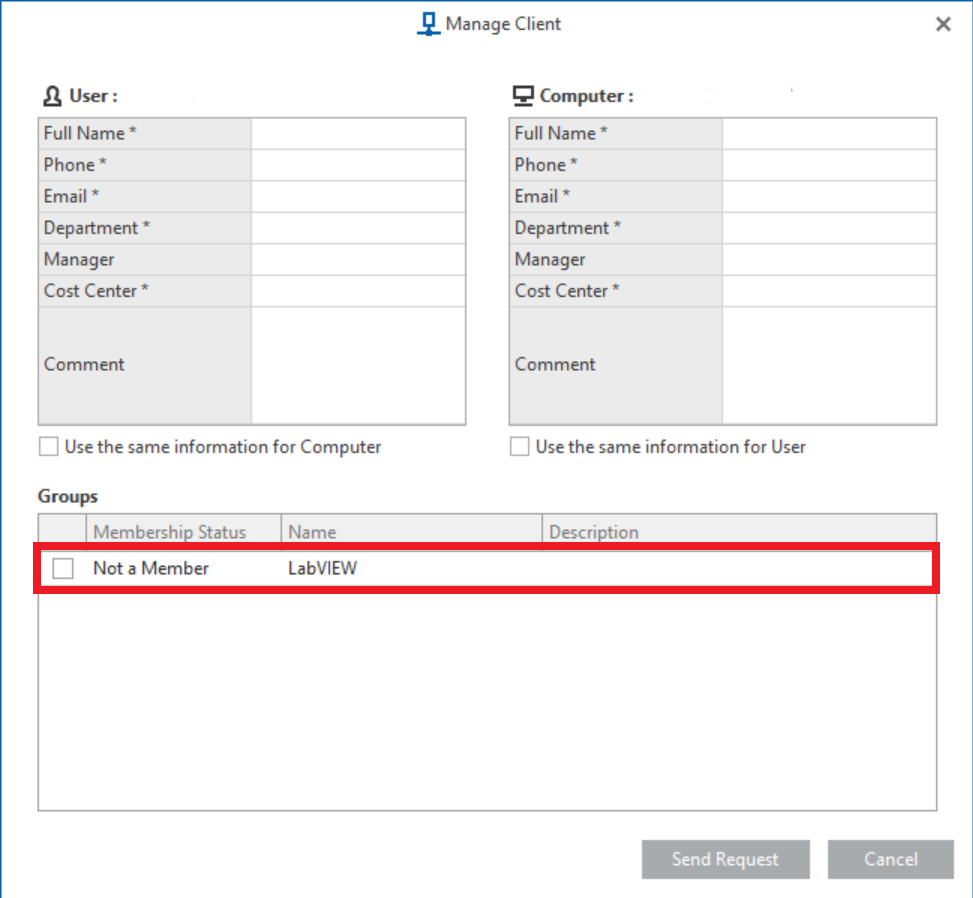
- Select the appropriate group (if you have a group) with the license you would like to request. In the case below, we will check the box next to TestStand. You will need to fill out the required information to send the request. The software administrator can customize which options are required .
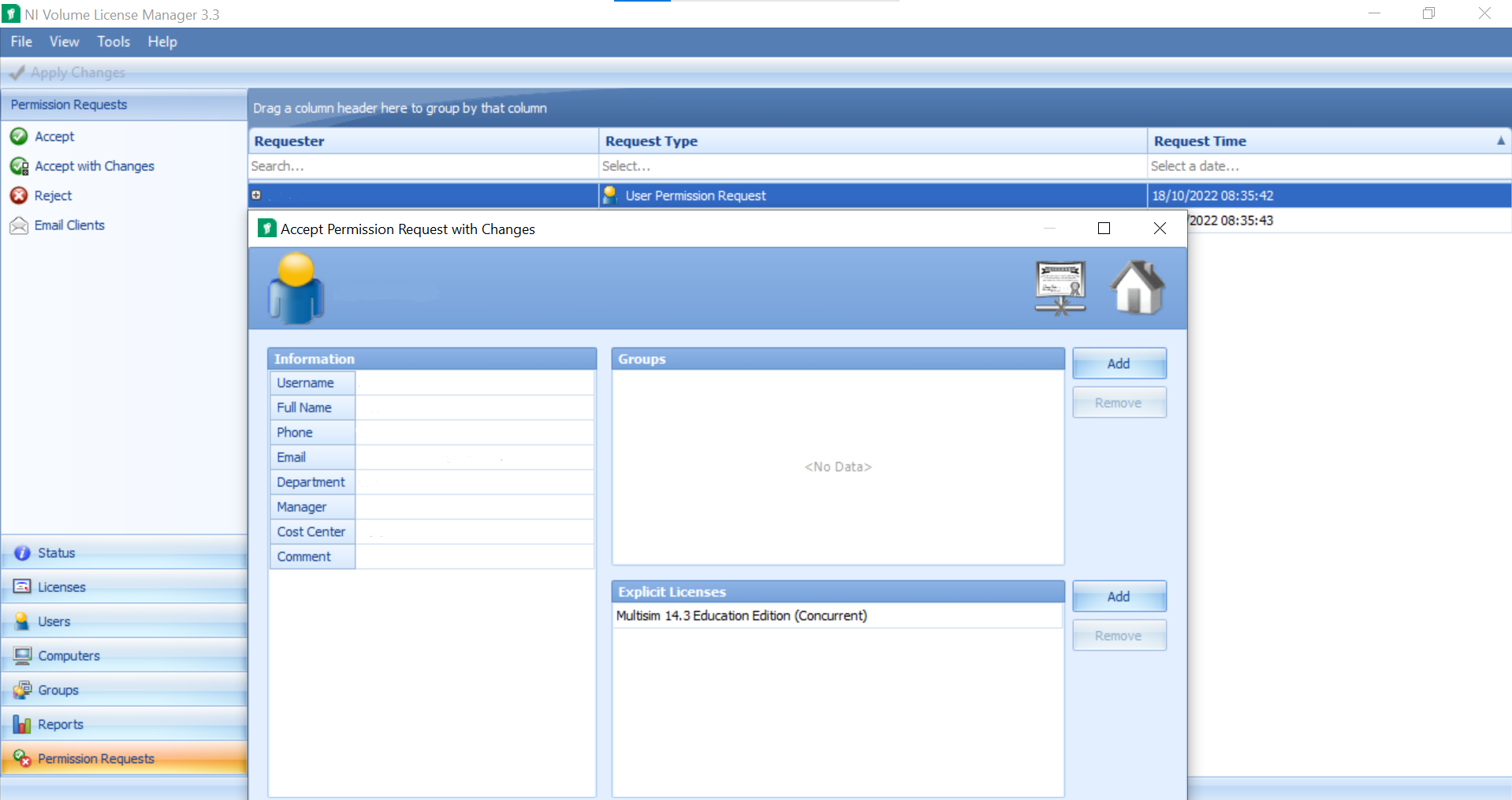
- The request will be sent to the server to be added to the group. From the NI Volume License Manager on the server, the software administrator should select Permission Requests to approve or deny the group join request. In this case, you will only need to approve the Computer Permission Requests.
Note: if you do not have groups you can select
Accept with Changes option in the
Permission Request tab, then you can add the relevant licenses in the
Explicit Licenses tab.
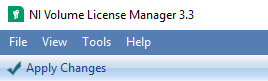
Do not forget to click on
Apply Changes to make sure the modifications will take effect.
- Your users will now be able to request connected licenses, follow the next steps if you also need to create disconnected licenses.
Creating a disconnected license file
To create a disconnected license please refer to the following guide:
Managing Disconnected License Files
Additional Information
This option for disconnected licensing does not work with Unmanaged Concurrent License as this type of license does not include a home exception or allow for the use of disconnected licenses.